
Navman MiVue Sensor XL DC & MiCam GPS 1 year Later REVIEW
Almost a year ago, I unboxed a duo of daring Dashcams. After more than 7 months of use, I really got under the skin of the 2 Dashcams. But, which one did I choose to run long term? This is all on top of the previous few years running an older Navman. We mounted both units in our Kia Sorento S, with the rear camera blutacked to the back window in our VIDEO REVIEW to follow.
Those of you waiting in a feverous lather for each week’s car review would have noticed the rather sexy Navman glued to the windscreen. The MiCam GPS ($369)was my pick, for its adjustable lens, and the ability to connect phones, share photos, and record video footage. Not that I have used it for anything other than recording video. After all I rarely steer a car with more than 10k on the clock. Don’t let that fool you though.
Even newer cars need a dashcam, with some of the pov models also short of a decent navigation system.
So, enter the Navman.
Above: This Week 2021 Kia Carnival Platinum V6 Petrol REVIEW

Help Support Gay Car Boys Subscribe to our Youtube Channel
- Top GayCarBoys Stories:
- Sexy Men Drive 2021 Toyota Yaris Cross
- 10 Sexiest MotoGP Motorcycle Riders
- DON’T Drive YOUR CAR until you’ve Checked if your AIRBAG will KILL YOU
- 10 Hottest Racing Drivers
- Top 12 Best Gay Lesbian LGBTI Luxury Cars
- Top 10 Gay Lesbian LGBT Cars
- Top 10 Gay Lesbian LGBT Sports Cars
- Top 15 gay and lesbian LGBT SUVs
- Talented Twinks – Callum Ilott Virtually Races Arthur Leclerc
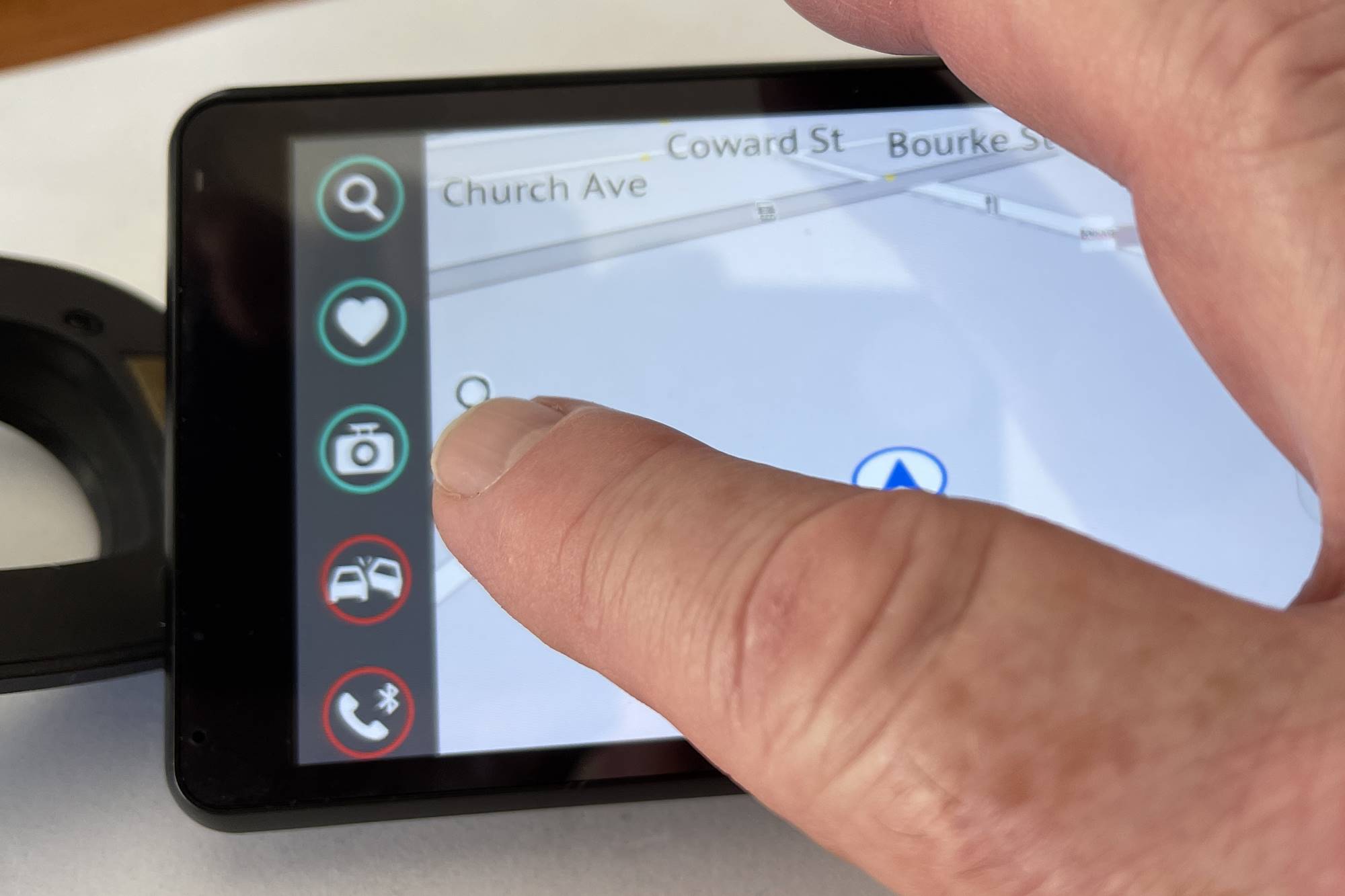
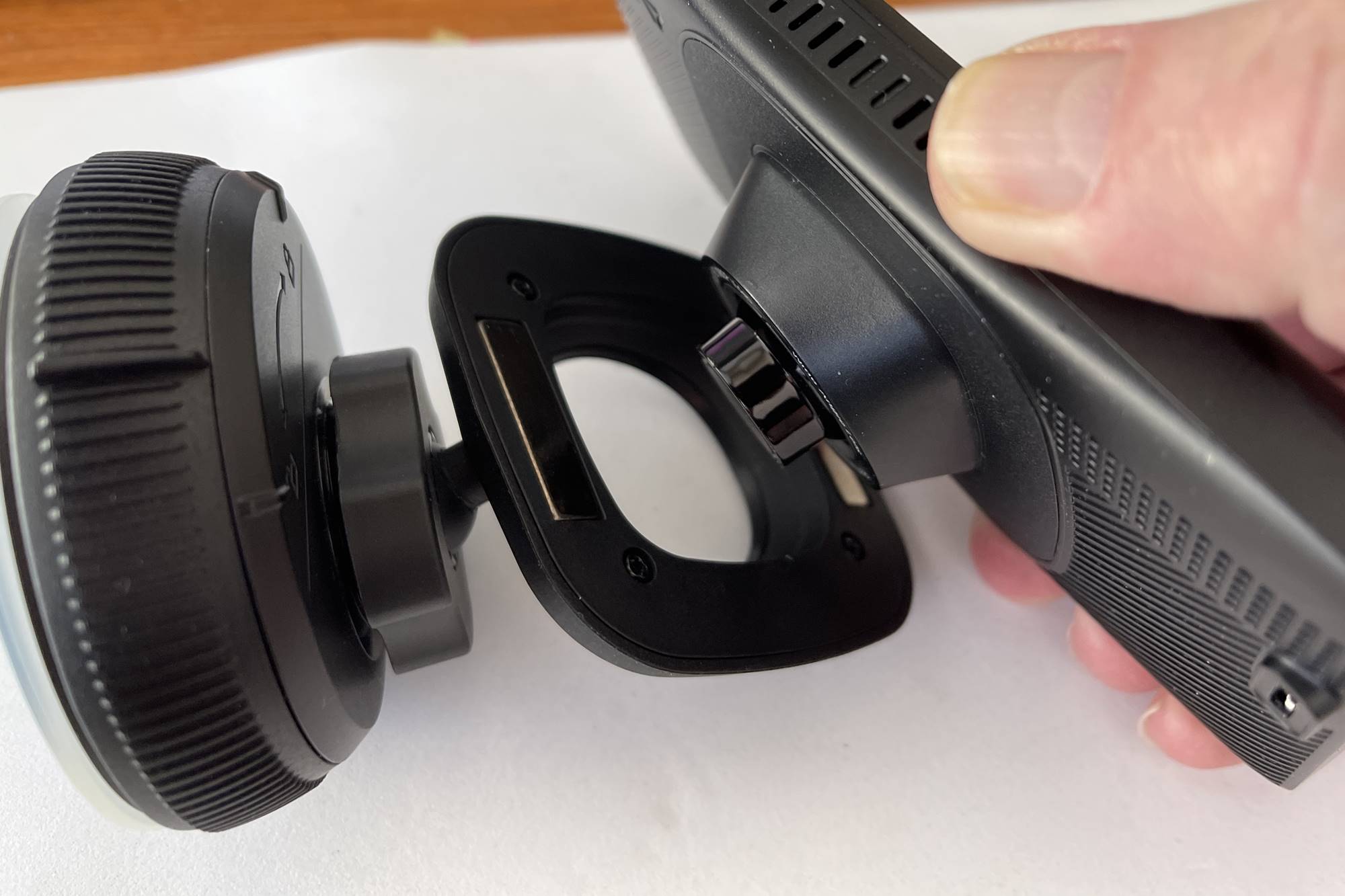
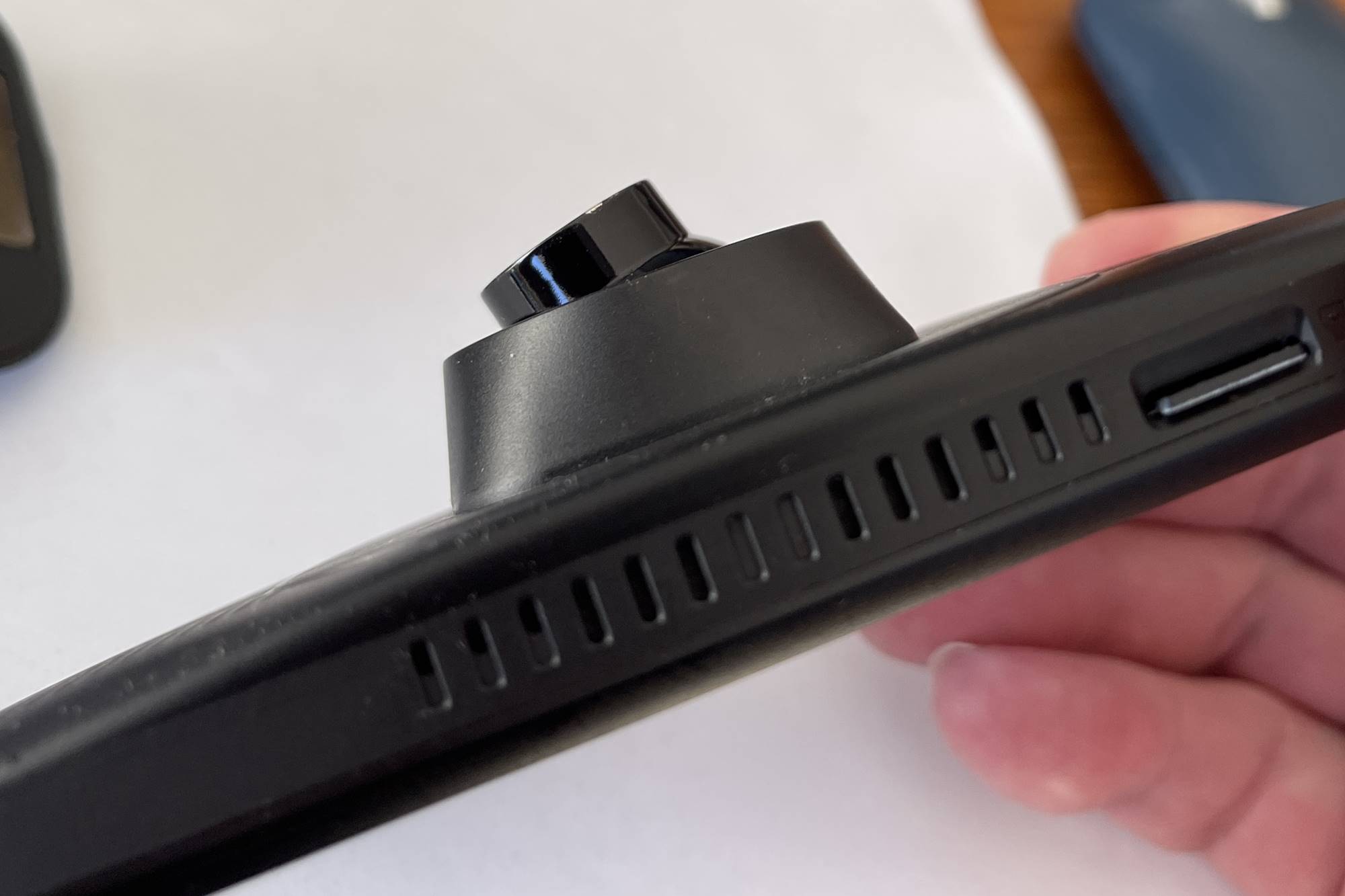
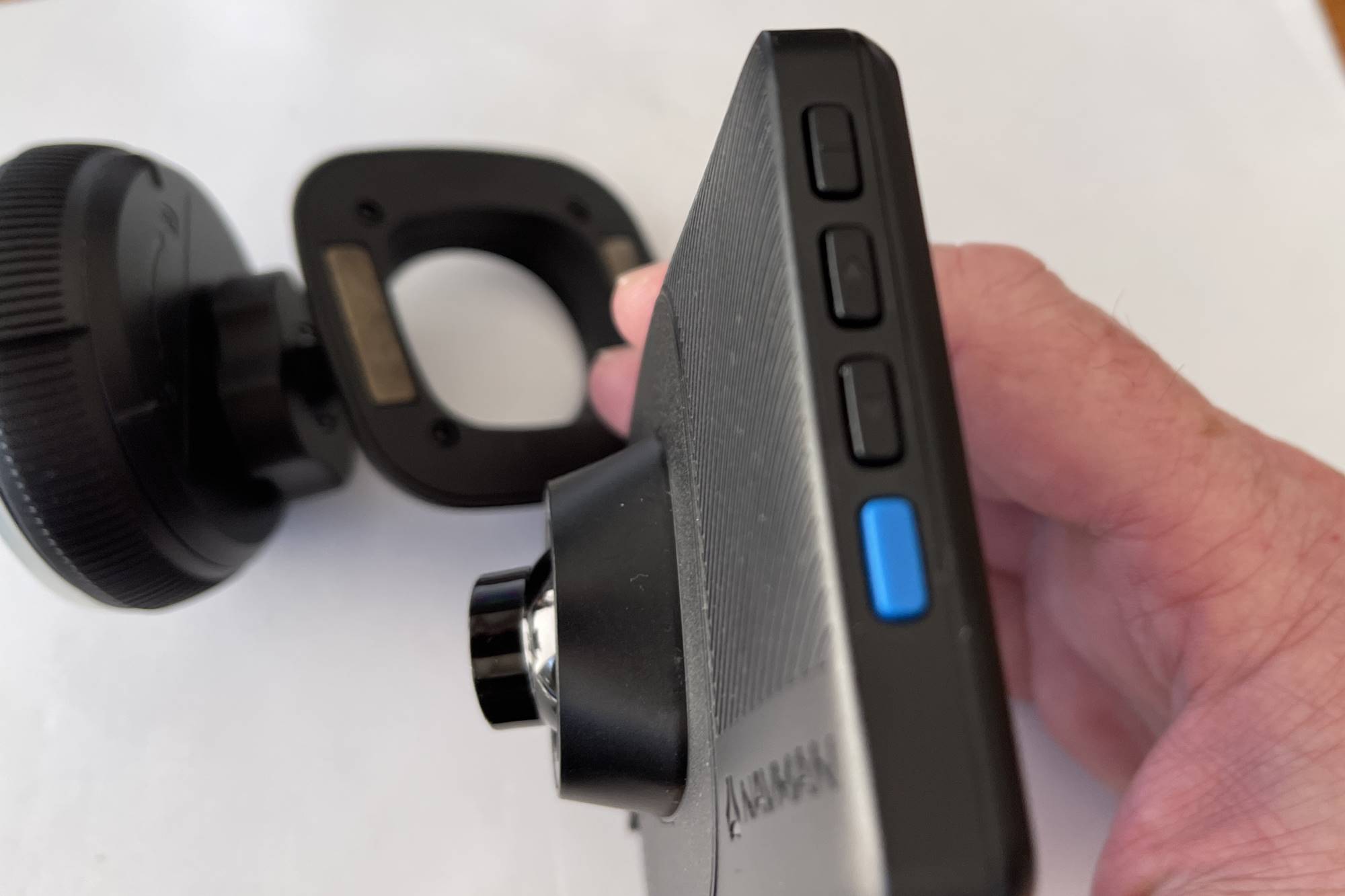

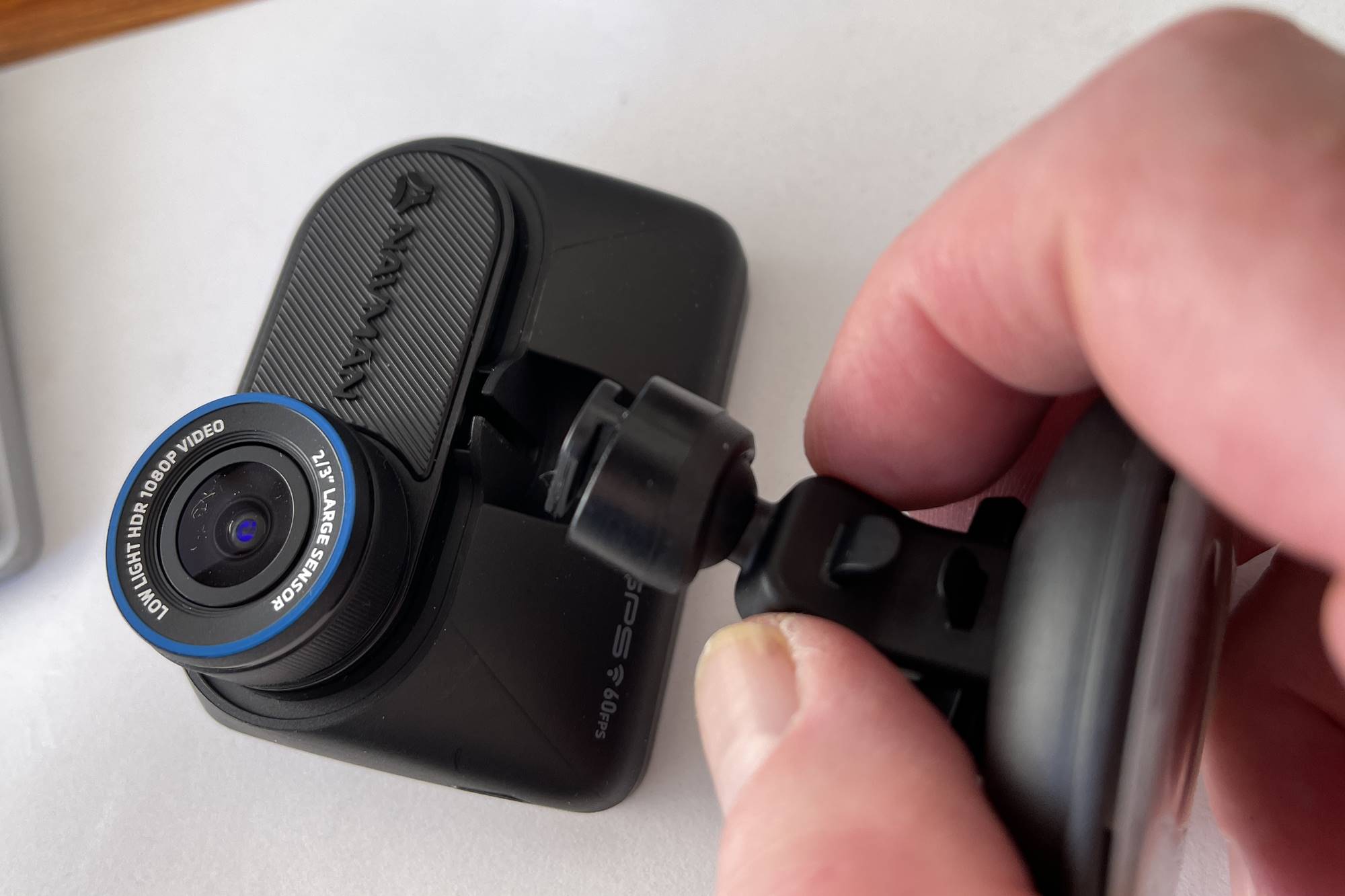
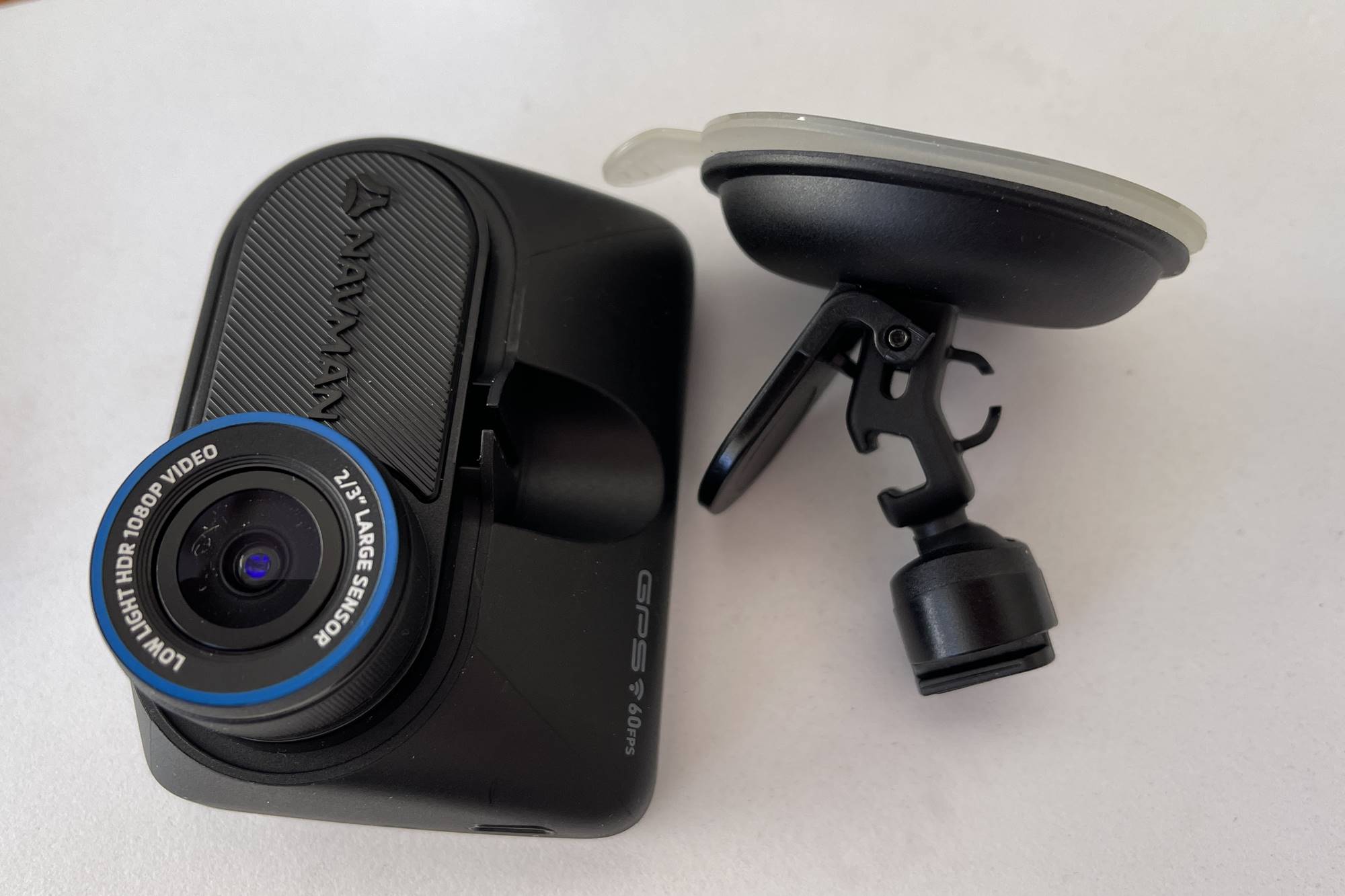
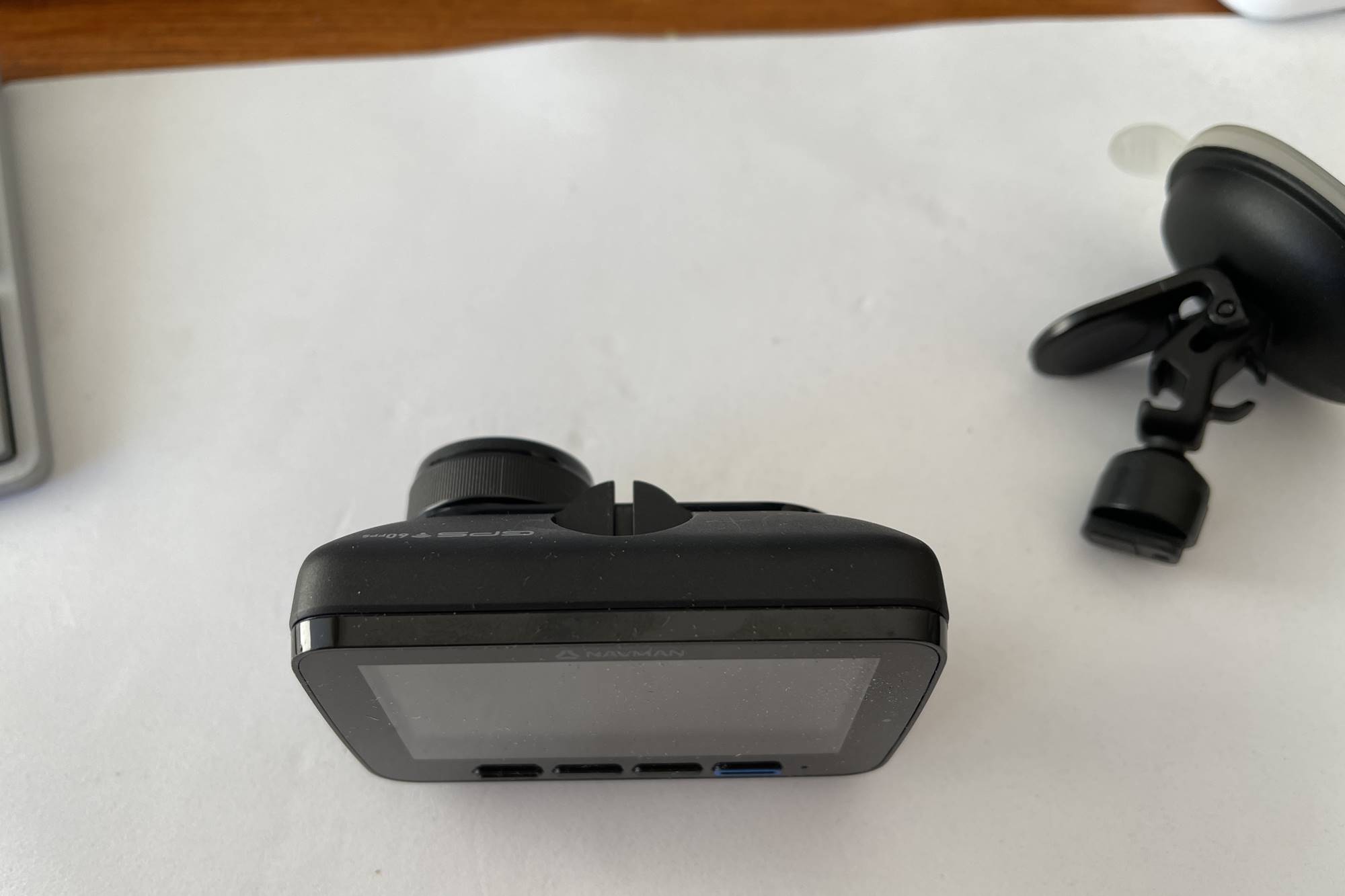
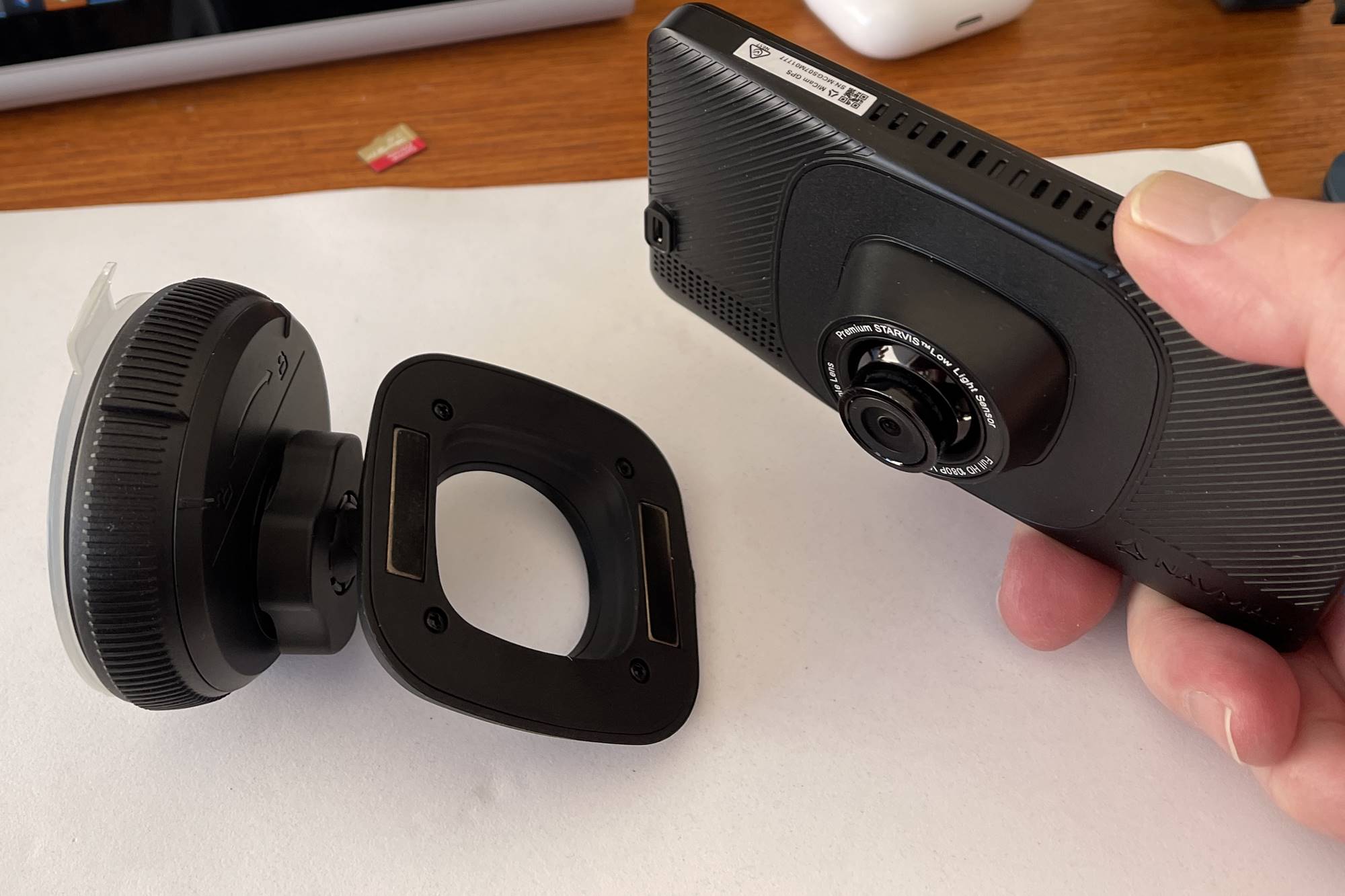

ABOVE: Navman MiVue 1100 Sensor XL DC and MiCam GPS
Sensor XL ($499 for dual cam model) and its nifty rear camera provides more coverage, but shifting cars regularly makes the 2nd camera impractical. A blue-tacked rear camera is fine for a demo but won’t last long on a 47c summer day.
Both cams have quality fixtures and fittings. Glass lenses and G sensors capture nasty surprises in crystal clear HD, but forget the sense of security for a moment. It has to work 100% of the time if it is going to be your witness, and it will do that whether you want it to or not.
We shot a spot of video footage to show you exactly how the cameras stack up. See this in our upcoming video review.
What We Liked:
Sensor XL DC
- Ability to connect rear camera
- Ease of use with physical buttons
- Easy to record special events with the blue button
- Compact size
- Sense of security
MiCam GPS
- Sexy design
- On screen controls
- Navigation ability
- Magnetic connection to suction attachment
What We Didn’t Like
Sensor XL DC
- Annoying warnings too invasive to be useful
- Speed and camera warnings inaccurate
- Requires professional installation (rear camera) to be effective
- Accompanying cord requires 12v power outlet
- Frequently failed to find signal and required update.
MiCam GPS
- Virtual button for manual event recording
- Driver assistance warnings too invasive to be useful
- Speed and camera warnings inaccurate
- SD card ejects at the speed of sound
- Frequently failed to find signal and required update.
We found the Sensor XL’s physical buttons much easier to use, but the MiCam’s magnetic connection to the suction cup far more convenient.
Neither camera had warnings that were useful. In fact, all warnings are downright annoying. Lane departure went off with every single lane change regardless of indicator use, and the crash warning was ever so sensitive. That was bad enough, but Speed and safety camera warnings frequently assumed our position to be on a different street. In other words, the radius is too large to be accurate. The unit isn’t sure what road you’re currently driving on so warns you anyway. In an inner-city environment, warnings come thick and fast, and when you add school zones and back zones, alarms sound every few minutes. It would drive a saint to drink! In the bin with them.
Once all that is deactivated, both units act only as a camera, and the atmosphere becomes decidedly more convivial.
One small allowance was to leave the safety camera warnings active, in silent mode only, and I’ll admit the “current speed” readout was also very useful. It is far more accurate than most speedos. The MiCam GPS adds navigation can be handy, even in cars with CarPlay. Using your phone for maps is more convenient, until you get a phone call just when you need instruction. Remember, you can’t touch your phone when on the move, and Australia now has cameras that can look right into your car to check if you’re doing something wrong. This Big Brother activity can cost big bucks.
In normal life, you rarely have cause to view your footage. It stays on your SD car just in case, but viewing the “Events” folder and be quite an eye opening.
Finally, the biggest change was that I understood that my dashcam was acting as my own personal “black box” data recorder. Sure, it can speak with you to confirm your story in court or with an insurance company, but more importantly, it will speak for you if you are unable to. Let that sink if for a bit.
Conclusion:
No driver should be without a dashcam, ever. A dual cam model is best, but front facing will do at a pinch. Get the optional module that allows use when parked for even more coverage.
See the Namvman site for MORE DETAILS
Discover more from Gay Car Boys
Subscribe to get the latest posts sent to your email.








Leave a Reply