How to Use Apple CarPlay and Android Auto
Most new cars now have Apple CarPlay and Android Auto. We’ve been inundated with literally an email asking us how to use it. We have a bunch of videos showing different aspect, but it all works the same way.
1: Make sure the “hey Siri” is set to ON. You might also need go to: iPhone, go to Settings > General > CarPlay >
2: press the voice button in the car to connect wirelessly, or plug in to a USB (if the voice button doesn’t work, try the phone button). If you have multiple USB ports, be sure to use the one that connects to the infotainment system. The other will probably be Charge Only.
3: Follow any prompts. You may see requests to allow access on both the phone, and the car’s central screen
4: provided you’ve got the settings right, your phone should now be ready to go.
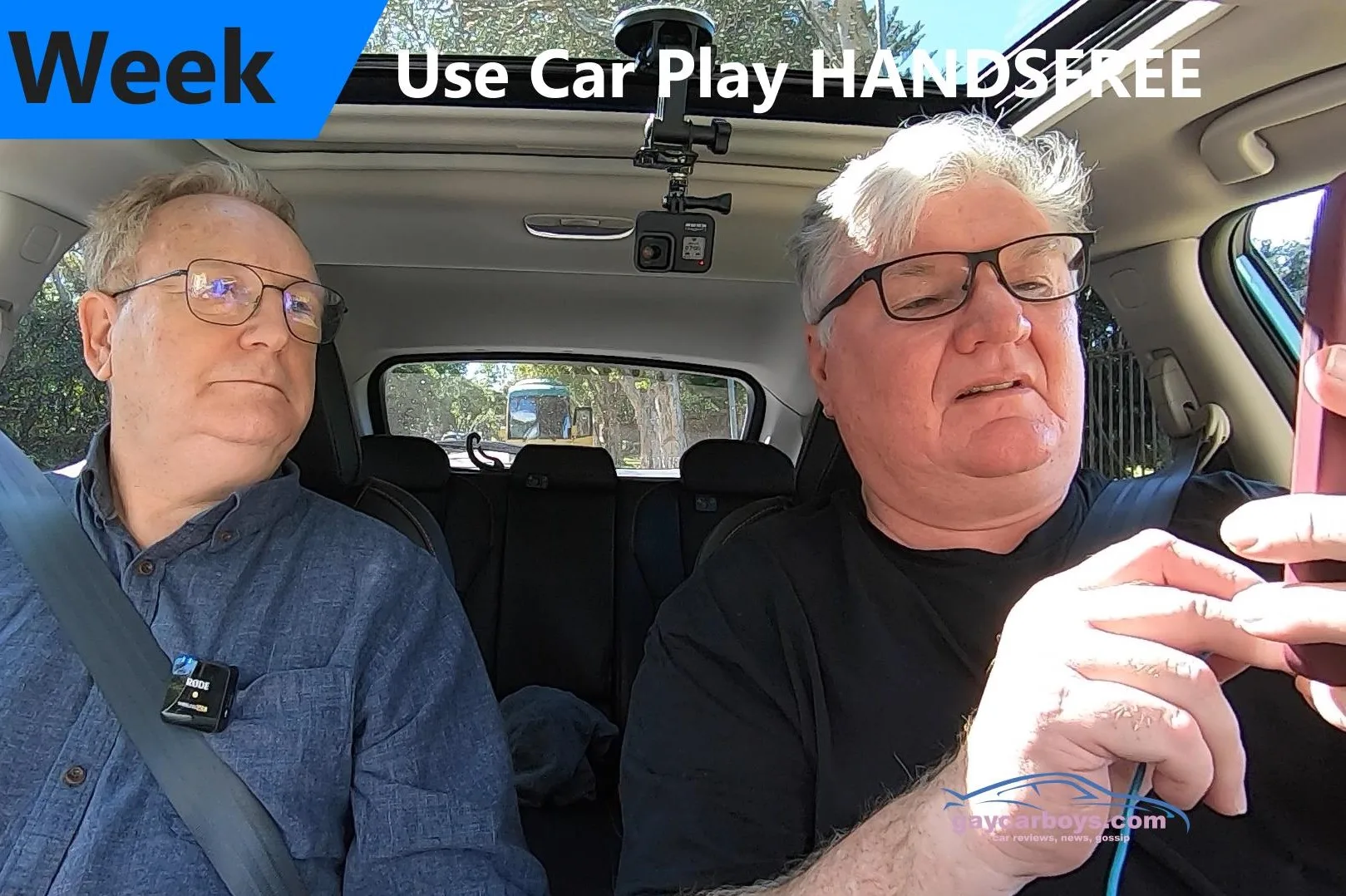
Above: How to Connect to Apple CarPlay and use Voice Control
Above: This Week 2021 Subaru XV Hybrid Review

Help Support Gay Car Boys Subscribe to our Youtube Channel
- Top GayCarBoys Stories:
- Sexy Men Drive 2021 Toyota Yaris Cross
- 10 Sexiest MotoGP Motorcycle Riders
- DON’T Drive YOUR CAR until you’ve Checked if your AIRBAG will KILL YOU
- 10 Hottest Racing Drivers
- Top 10 Gay Lesbian LGBT Cars
- Top 10 Gay Lesbian LGBT Sports Cars
- Top 15 gay and lesbian LGBT SUVs
- Talented Twinks – Callum Ilott Virtually Races Arthur Leclerc



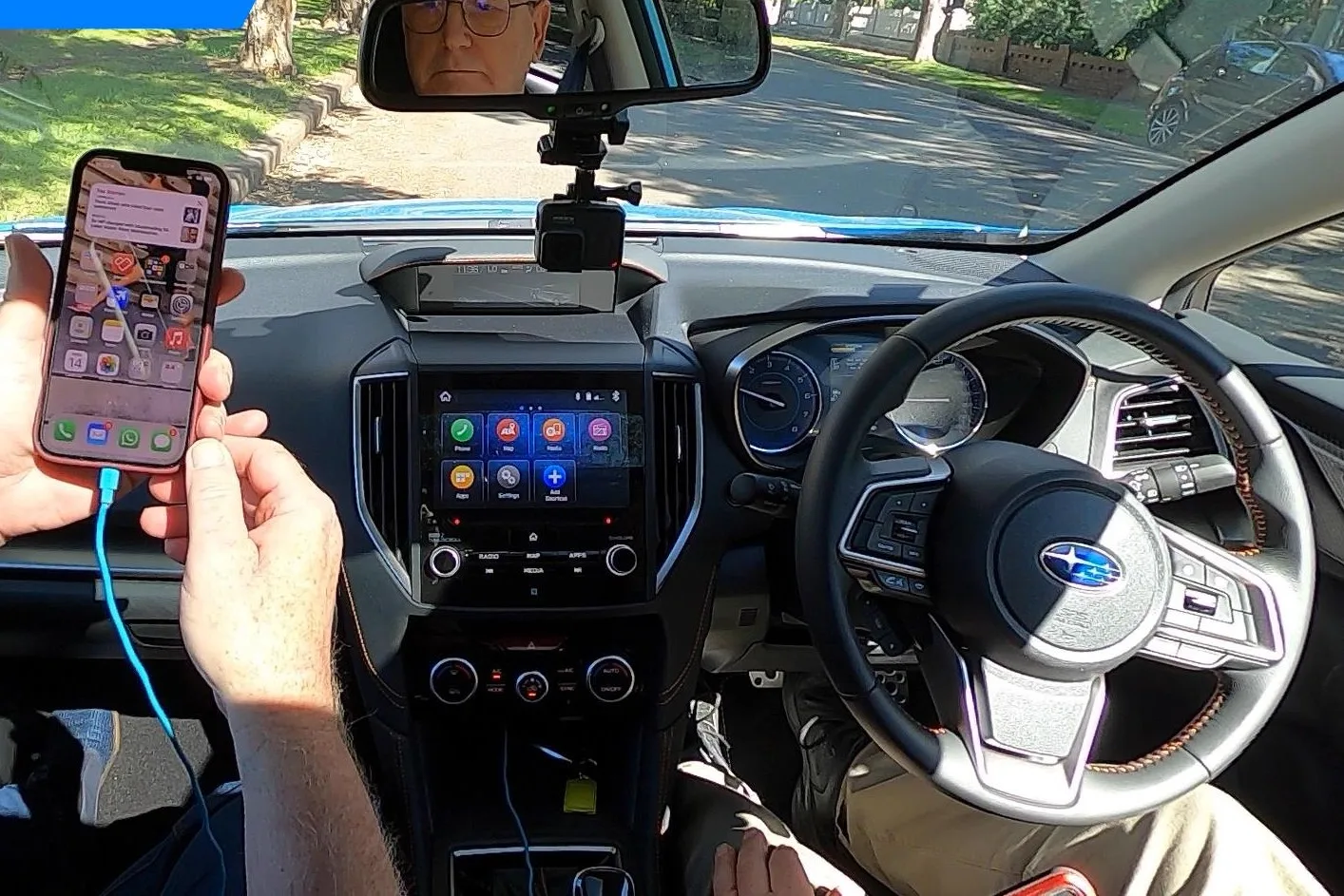
ABOVE: CarPlay using Voice Control, asking Siri to Send Message, Asking Siri for directions
Sometimes things don’t go right, and it still doesn’t work. Try cycling your devices, including the car. Turn the car off, lock it, and walk away. You’re probably pulling hair out by now, so get a coffee as well.
Hard restart your iPhone by pressing then releasing vol up, then vol down, then press and hold the power button (don’t let go until the phone turns off then the Apple symbol appears).
———————-Now you’re calm try again—————————————————–
Note: Some vehicles that support wireless CarPlay allow you to pair by plugging iPhone into your vehicle’s USB port using a Lightning to USB cable. If supported, after you start CarPlay using USB, you’re asked if you want to pair wireless CarPlay for future use. If you agree, the next time you go for a drive, iPhone connects wirelessly to CarPlay automatically.
On some vehicle models, CarPlay Home appears automatically when you connect iPhone.
If CarPlay Home doesn’t appear, select the CarPlay logo on your vehicle’s display.
The system is meant to be easy to use for beginners but don’t get frustrated if it doesn’t work first time.
If you have Wireless CarPlay, this will work by WiFi NOT BLUETOOTH
Now you’re online, let’s see what you can do.
Your car should now be your phone. Talk to it as you do Siri. If the “Hey Siri” doesn’t work, press the voice button. With some cars you need a long press for Siri, and a short press for the car’s onboard voice recognition system.
The latter controls radio, air condition, and navigation but trust me, don’t bother.
CarPlay give you access to many notice Apple Apps, as well as a handful of 3rd party apps. Try commands like, “hey siri, take me home.” You’ll need to have told your iPhone who you are, and have your home address already set.
Once you start talking, you’ll never stop.

Alan Zurvas is the founder and editor of Gay Car Boys, Australia's leading LGBTQI+ automotive publication. Before launching GCB in 2008, Alan's automotive writing was published in SameSame.com.au and the Star Observer. With over 16 years of hands-on car reviewing experience, Alan brings an honest, irreverent voice to every review — championing value and innovation over brand loyalty.
Leave a Reply